A Midjourney alternative
built around ready-made photo packs.
If you want a shorter route from one portrait to a coordinated set, GenBlink may fit better. If your visual concept matters more than following a prebuilt portrait-pack recipe, Midjourney may still be the stronger choice.
GenBlink is the guided alternative: choose a curated world, upload one clear adult portrait, and generate 3–50 photos. Midjourney remains a better fit when your visual concept matters more than following a prebuilt portrait-pack recipe.
Upload one clear photo. Create 3–50 new photos of you.
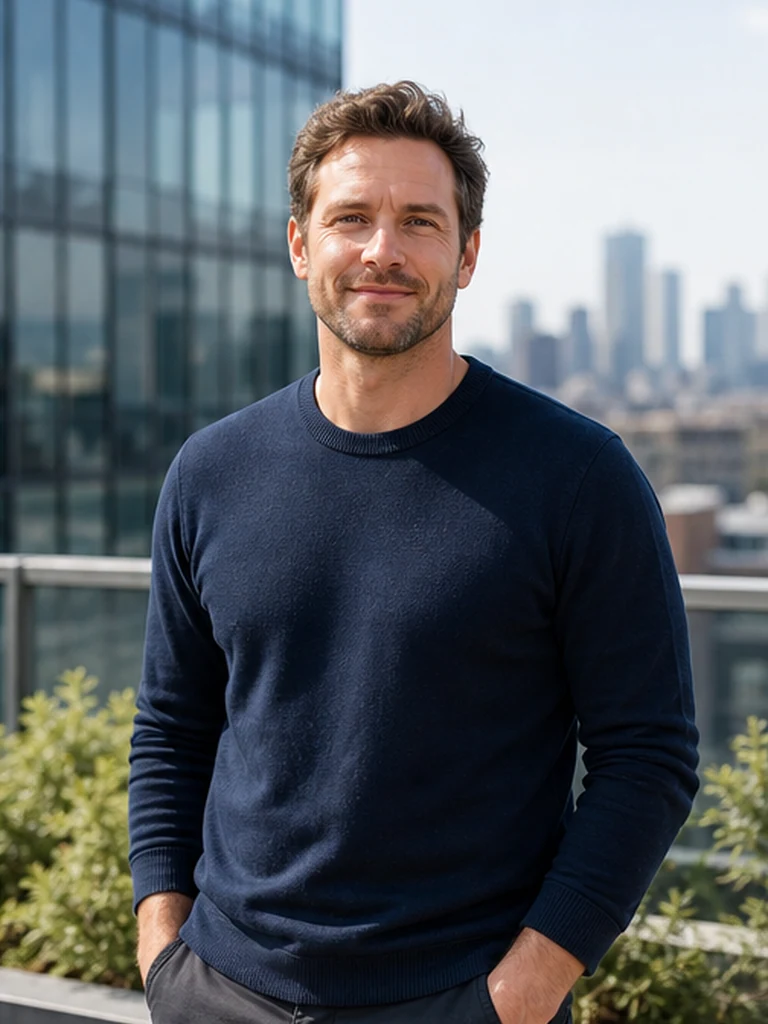
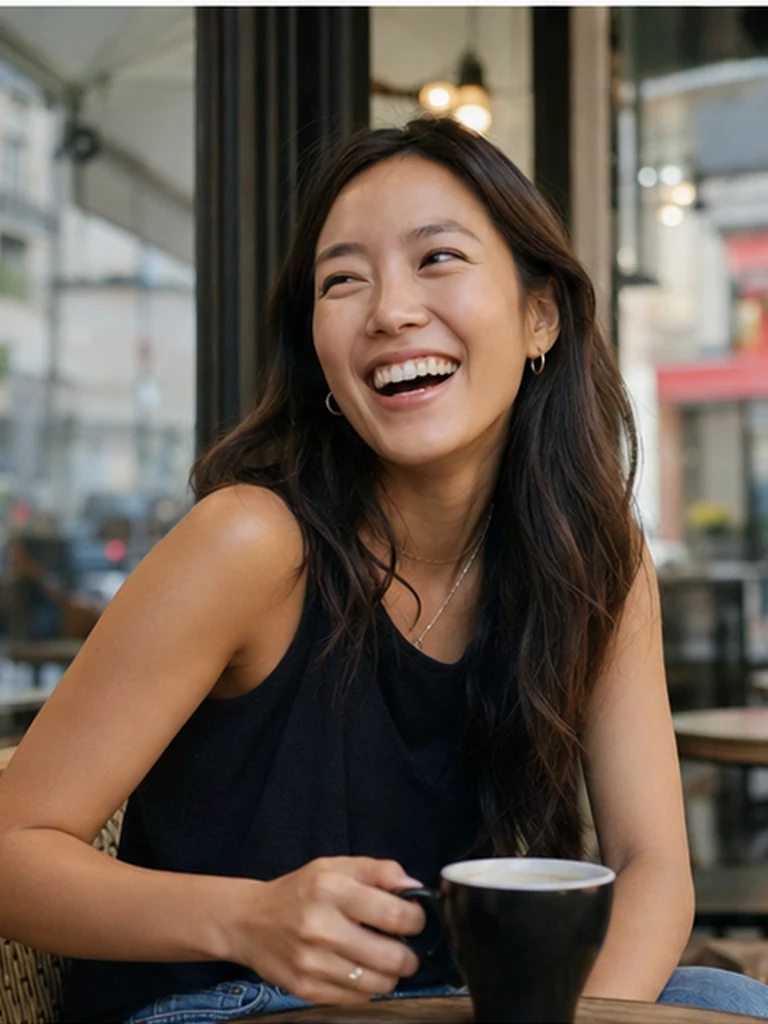
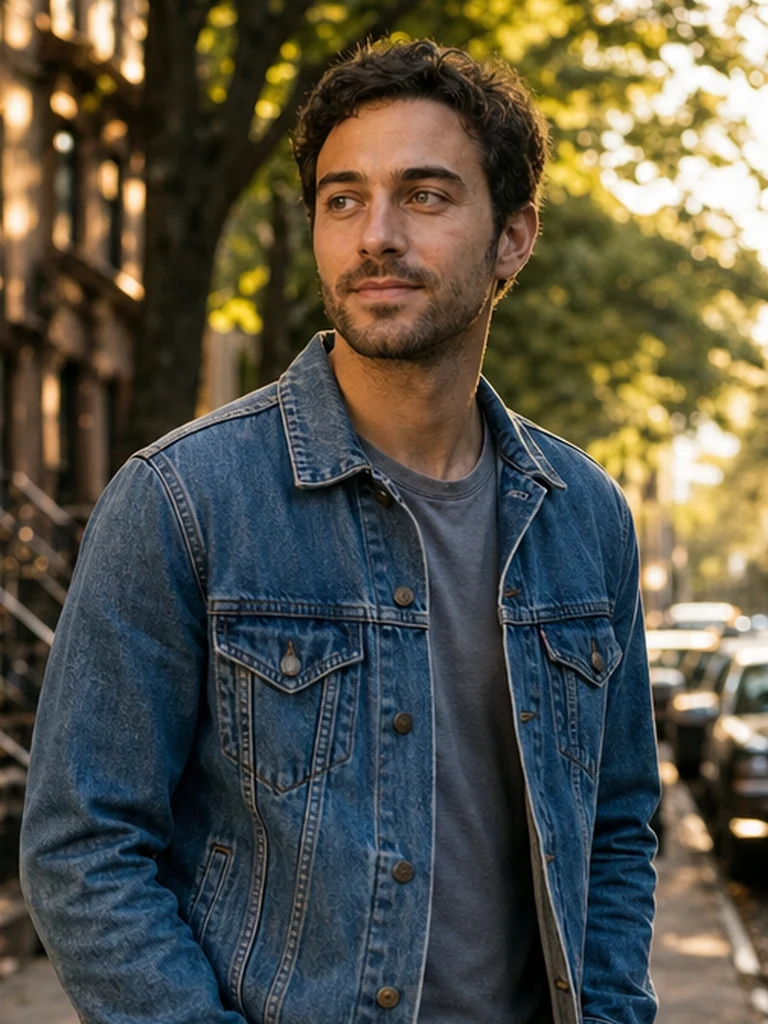
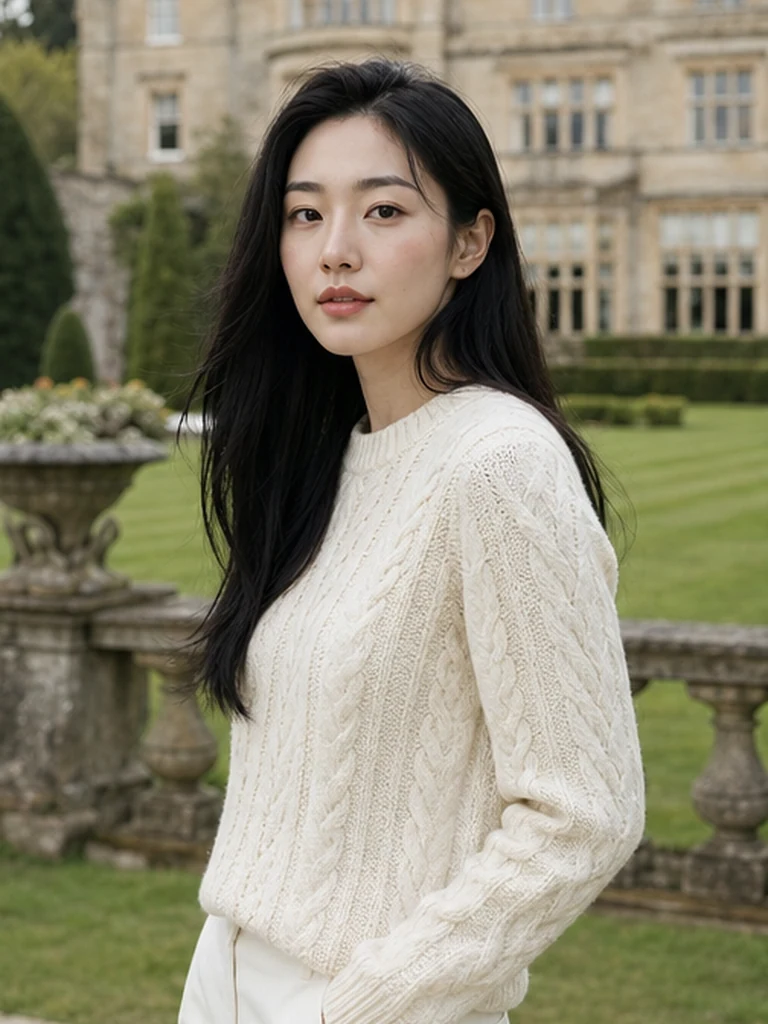
GenBlink keeps the same recognizable person at the center while changing the setting, outfit, pose, framing, and light across a coordinated photo pack.
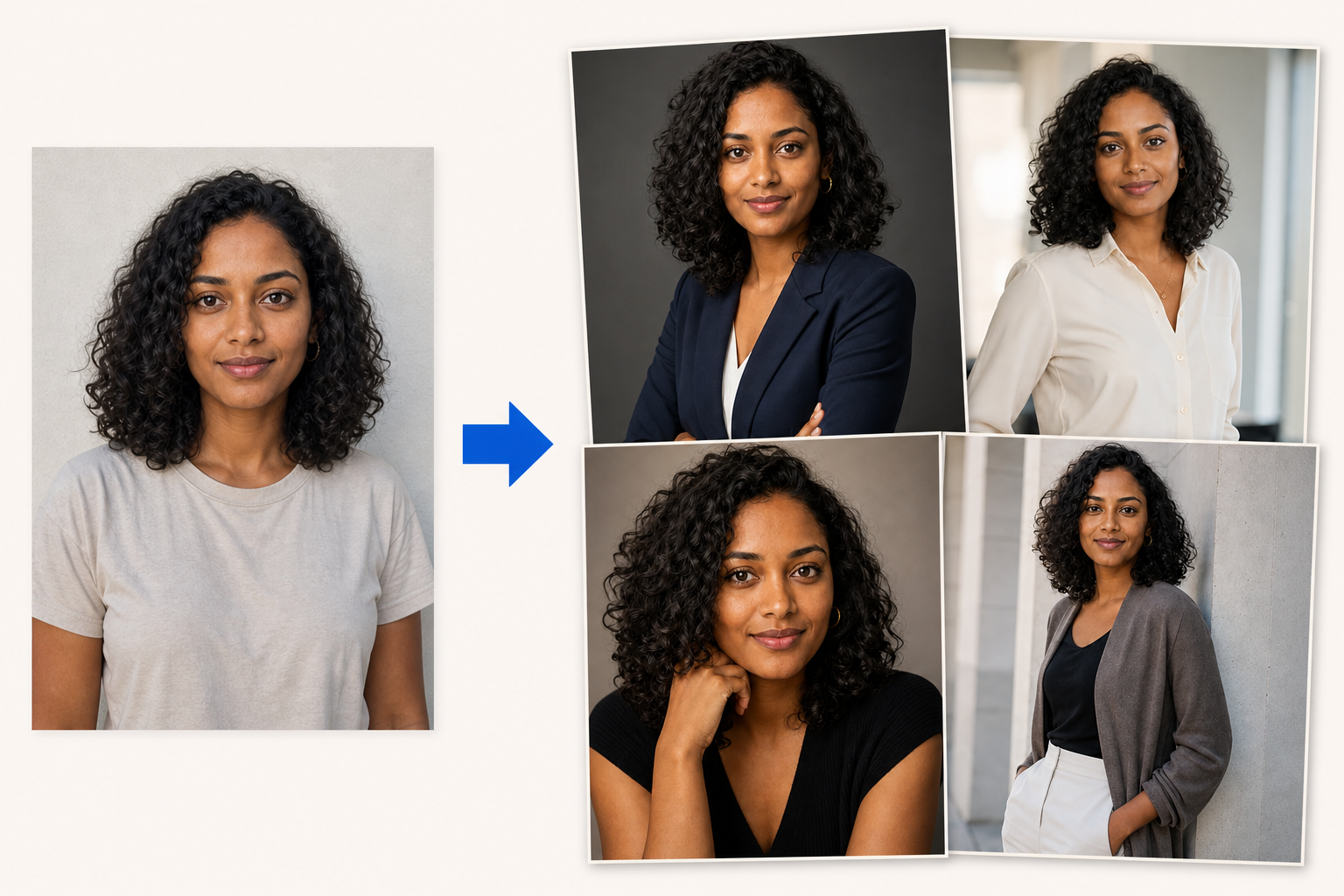
Different tools for different kinds of creative work.
Midjourney's prompts, image prompts, and visual-reference controls suit creators who enjoy shaping the aesthetic themselves. Product capabilities and pricing can change, so use the linked official page as the final source before purchasing.
When the finished set matters more than the setup.
- No need to write the full scene or discover prompt syntax.
- Packs are already structured as coordinated photoshoots.
- A direct upload-to-batch workflow for portraits of you.
Best for art direction through prompts and visual references
- Deep aesthetic direction through prompts and visual references.
- A flexible canvas for art, concepts, and stylized imagery.
- An iterative workflow for creators who enjoy art direction.
GenBlink and Midjourney at a glance.
| What matters | GenBlink | Midjourney |
|---|---|---|
| Starting point | One portrait + a curated pack | A prompt and optional visual references |
| Creative direction | Pack-led with one optional appearance note | Creator-led prompt and reference controls |
| Batch shape | Choose 3–50 photos | Iterate and refine image sets |
| Billing logic | One-time photo credits | Provider subscription and generation allowance |
| Best fit | Guided personal photoshoots | Original visual concepts and hands-on art direction |
| Download workflow | Individual PNG, JPEG, or JPG, plus full ZIP | See current official product workflow |
| Result history | Private seven-day generation history | See current official retention policy |
Start with what you are trying to make.
Pick the story before you upload.
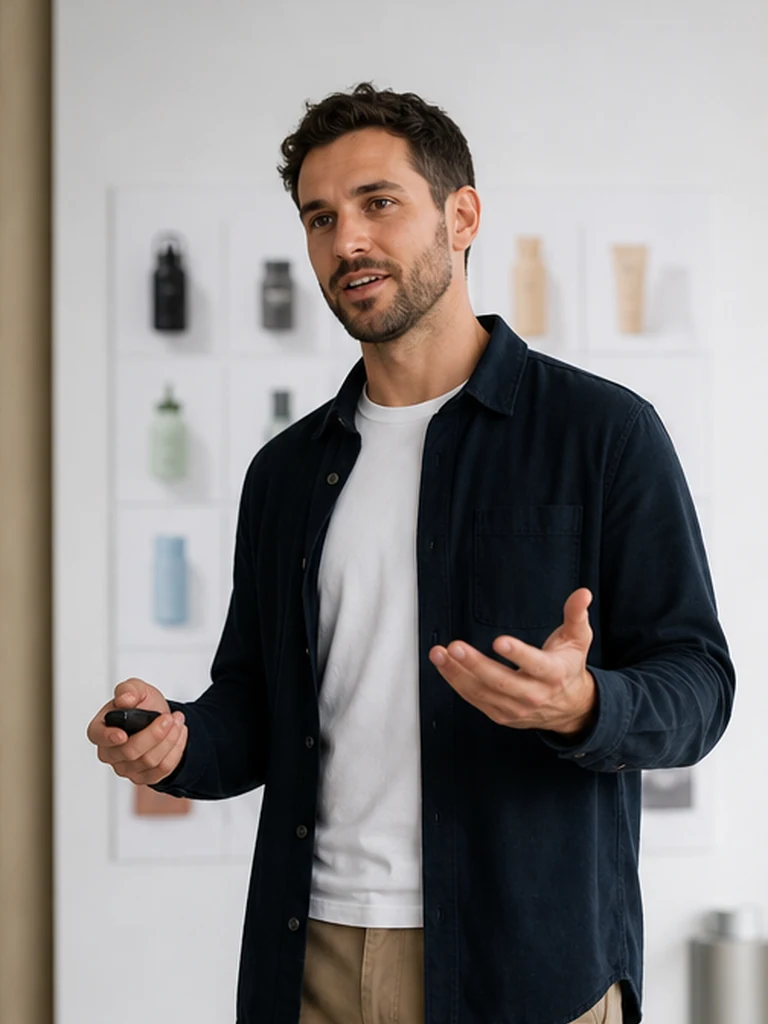
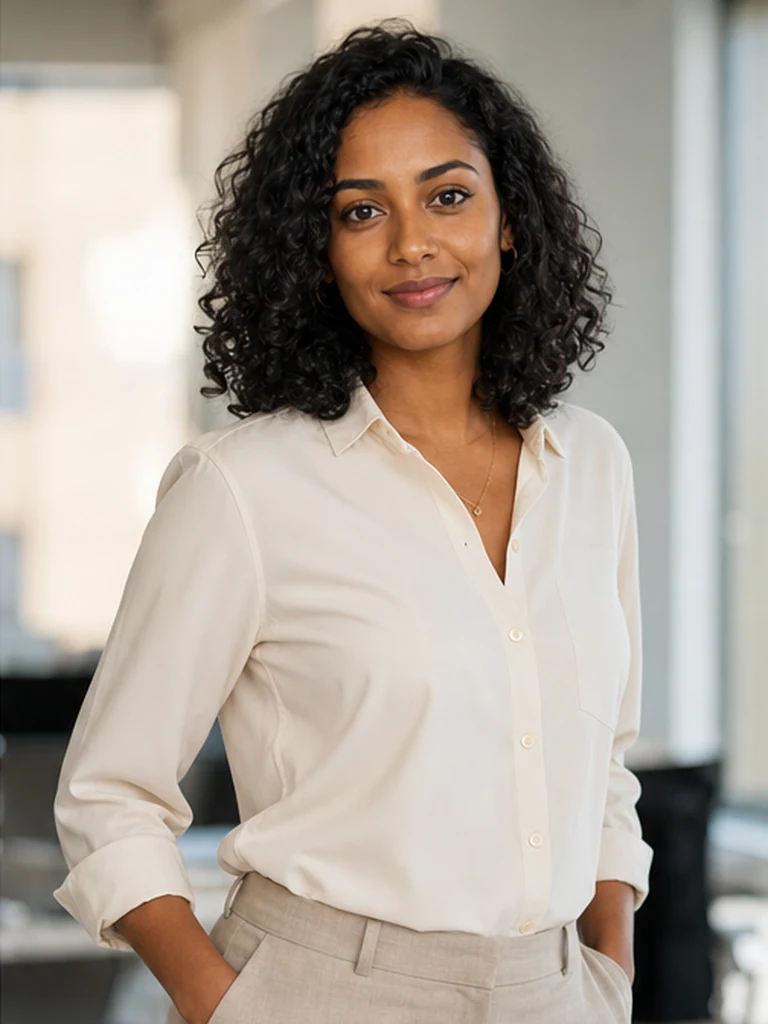
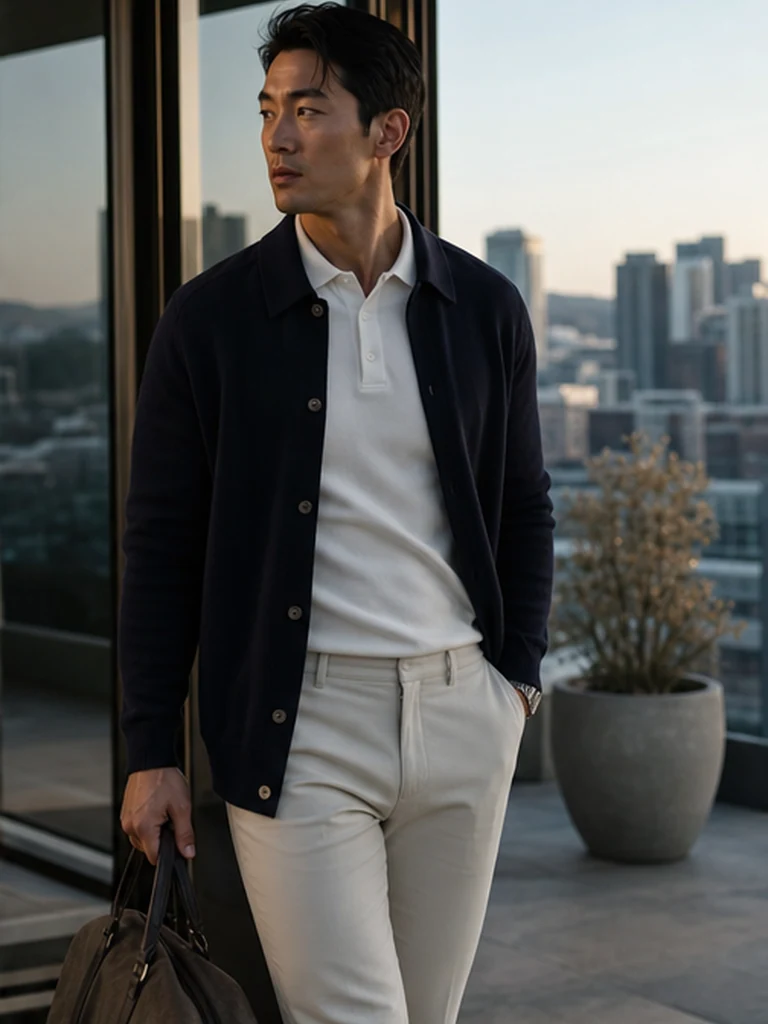
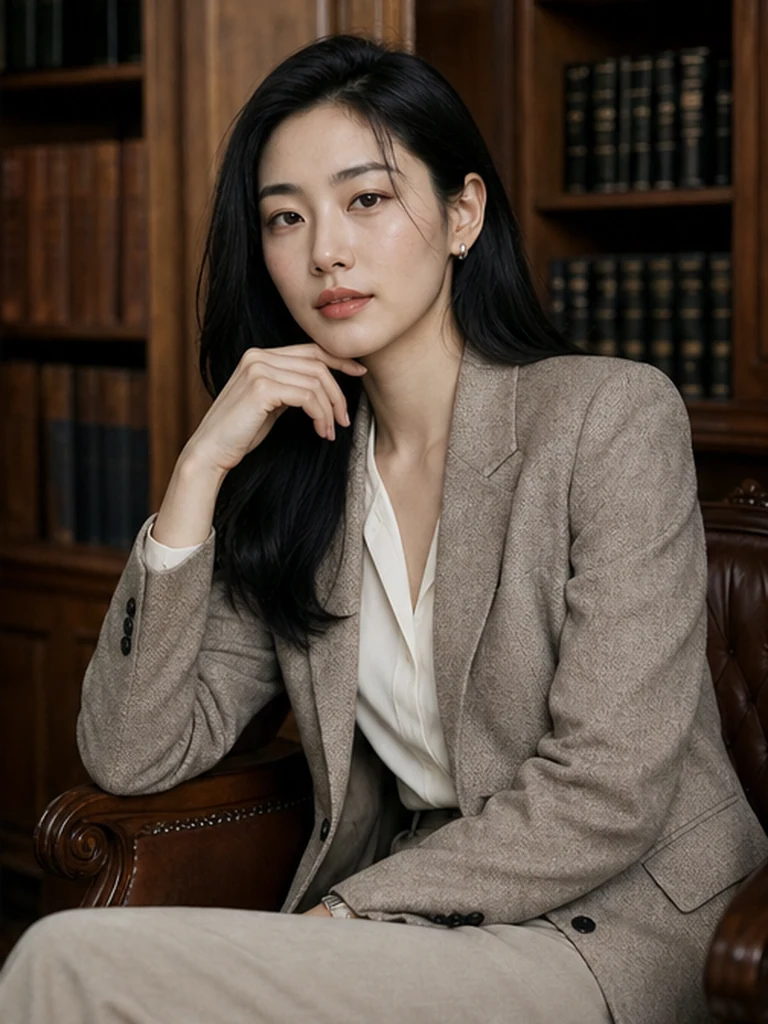
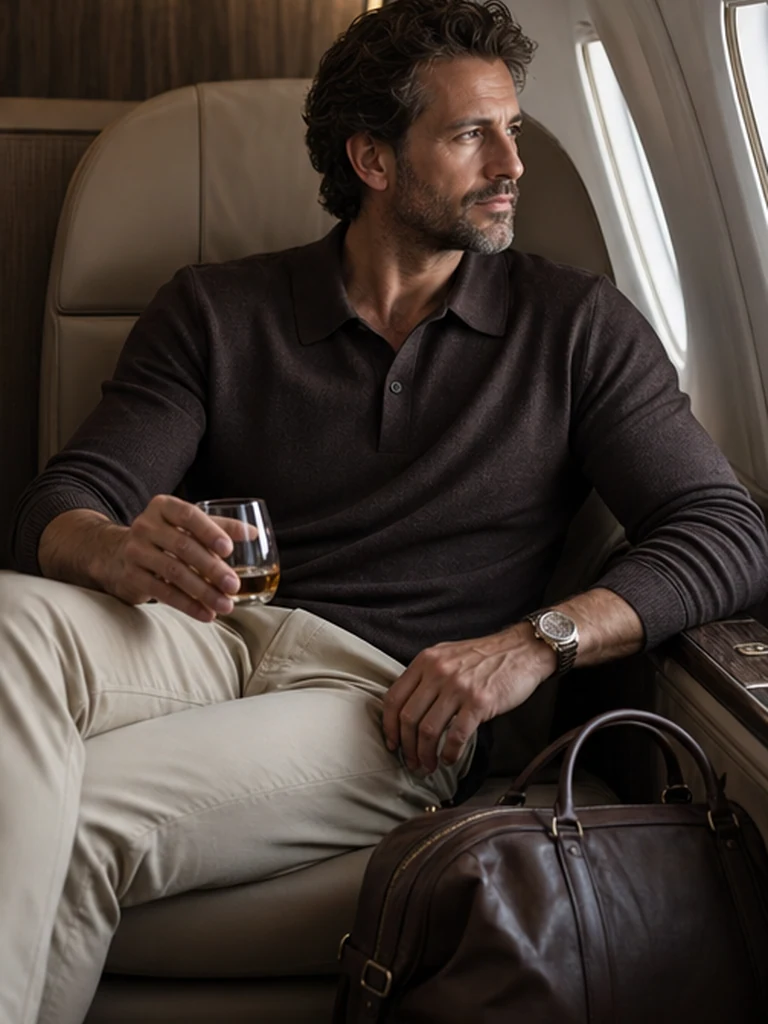
Every pack contains planned scenes, poses, lighting, and styling. The pack keeps the set coherent; your optional appearance note adds a specific detail.
See every pack →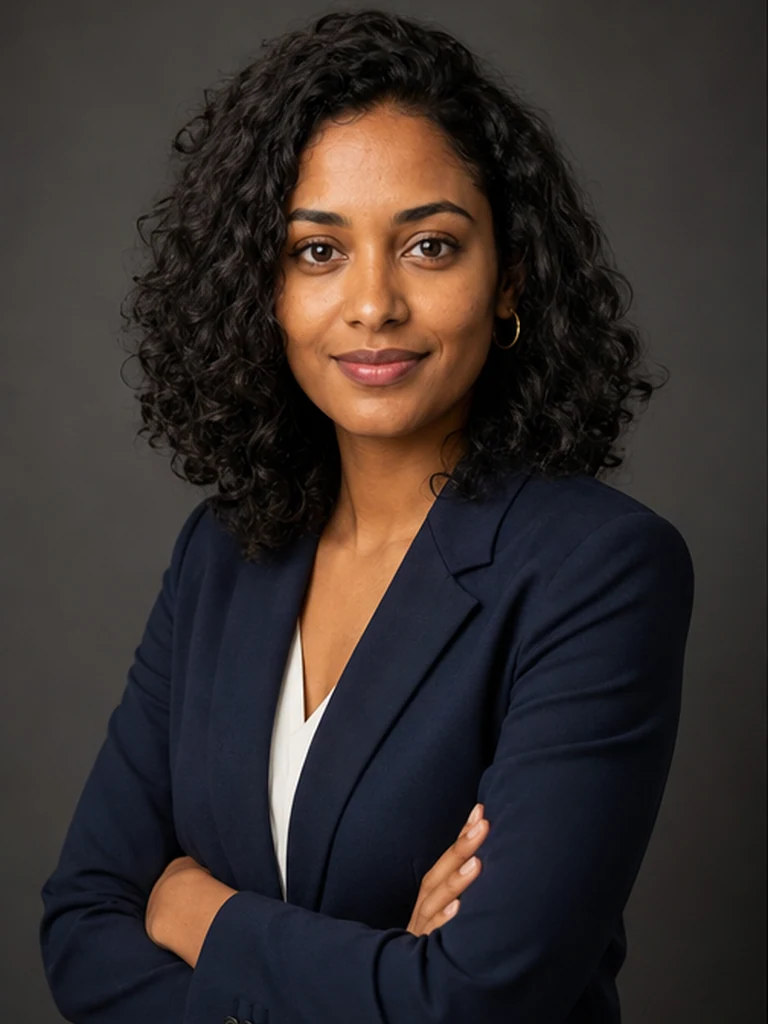


Before choosing either workflow.
Is GenBlink a clone of Midjourney?
No. GenBlink is a focused, one-portrait pack workflow. Midjourney is a prompt-led visual creation product with a different scope and creation process.
Which is easier for a first AI photoshoot?
GenBlink reduces decisions by providing the scenes and batch workflow. Midjourney may be the better choice if its specialized strengths match your exact goal.
Does GenBlink train a reusable personal model?
No. GenBlink starts each pack from the single portrait you upload. That keeps setup short, while reusable-model products can be more appropriate for repeated open-ended projects.
How does GenBlink charge?
Credits are one-time purchases. One successful generated photo uses one credit, and a failed generation returns its reserved credit automatically.
Can the two tools be used together?
Yes. You can generate a source-photo library with GenBlink and use another product for layout, editing, animation, or a separate creative workflow, subject to each service’s terms.
One portrait.
A complete photo story.
Read the direct comparison or start with a GenBlink pack.