GenBlink vs Photo AI:
which fits your photo workflow?
A practical comparison for people deciding between a guided portrait-pack batch and Photo AI’s ai photographer workspace approach.
Choose GenBlink for one-photo setup, ready-made scenes, and a 3–50-photo batch. Choose Photo AI when you want a broad ai photography suite and do not mind a more involved setup and creation workflow.
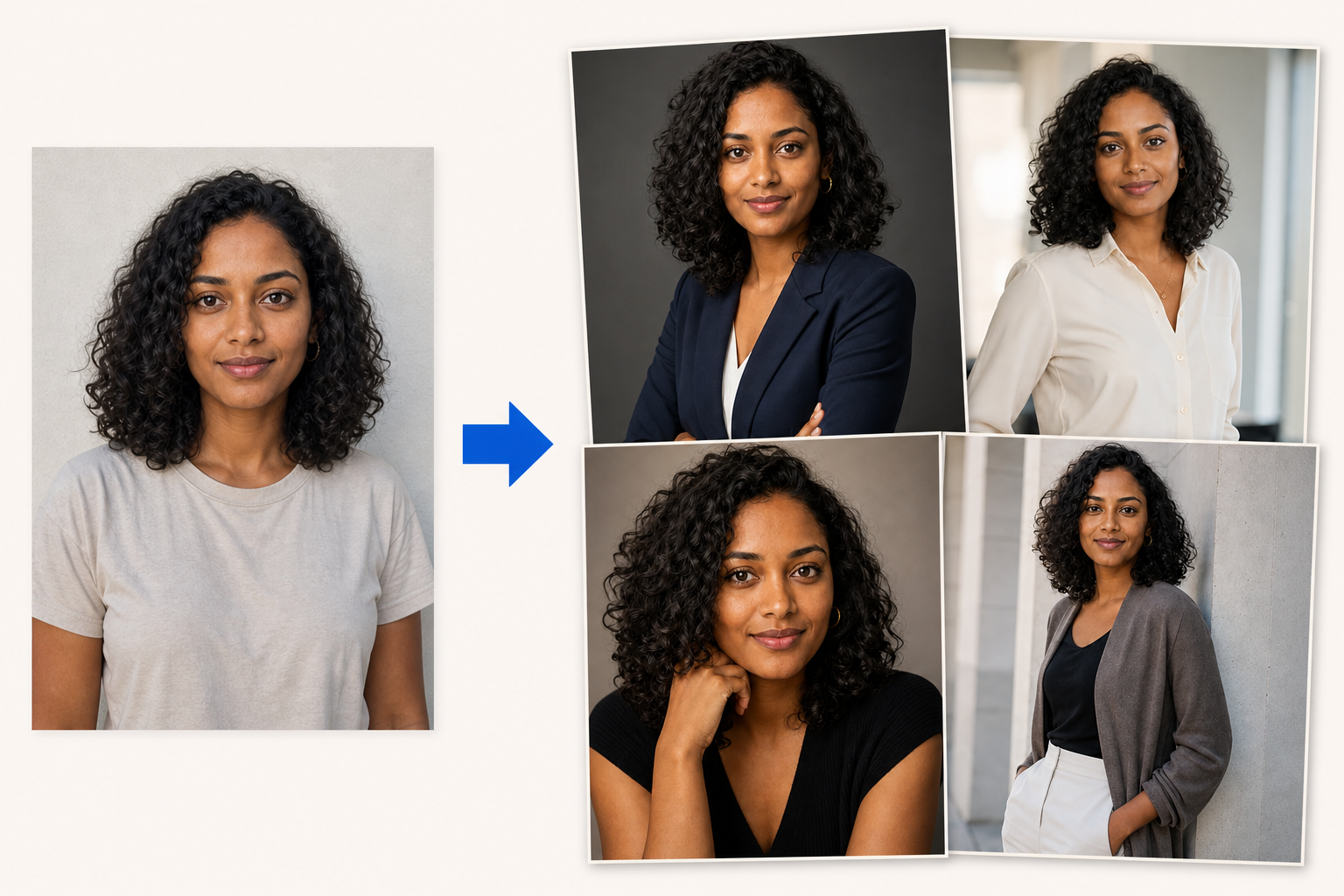
Upload one clear photo. Create 3–50 new photos of you.
GenBlink keeps the same recognizable person at the center while changing the setting, outfit, pose, framing, and light across a coordinated photo pack.
Different tools for different kinds of creative work.
Photo AI combines personal AI-model creation, prompts, photo packs, editing, and video features in a larger creative workspace. Product capabilities and pricing can change, so use the linked official page as the final source before purchasing.
When the finished set matters more than the setup.
- Start from one clear portrait instead of a model-training flow.
- Choose a pack and generate 3–50 photos in one guided batch.
- Buy one-time credits instead of beginning with a subscription.
Best for a broader AI photographer workflow with reusable AI models
- A broader creation suite spanning photos, editing, and video.
- A reusable personal-model workflow for repeated projects.
- More open-ended prompting and creative tooling.
GenBlink and Photo AI at a glance.
| What matters | GenBlink | Photo AI |
|---|---|---|
| Starting point | One clear portrait | A personal AI-model workflow built from your photos |
| Creative direction | Curated pack + optional appearance note | Packs, prompts, and a wider creative toolset |
| Batch shape | Choose 3–50 photos | Depends on the selected creation workflow |
| Billing logic | One-time credits; 1 per successful photo | Provider plans and included usage |
| Best fit | Fast guided lifestyle sets | A reusable, broader AI photographer workspace |
| Download workflow | Individual PNG, JPEG, or JPG, plus full ZIP | See current official product workflow |
| Result history | Private seven-day generation history | See current official retention policy |
Start with what you are trying to make.
Pick the story before you upload.
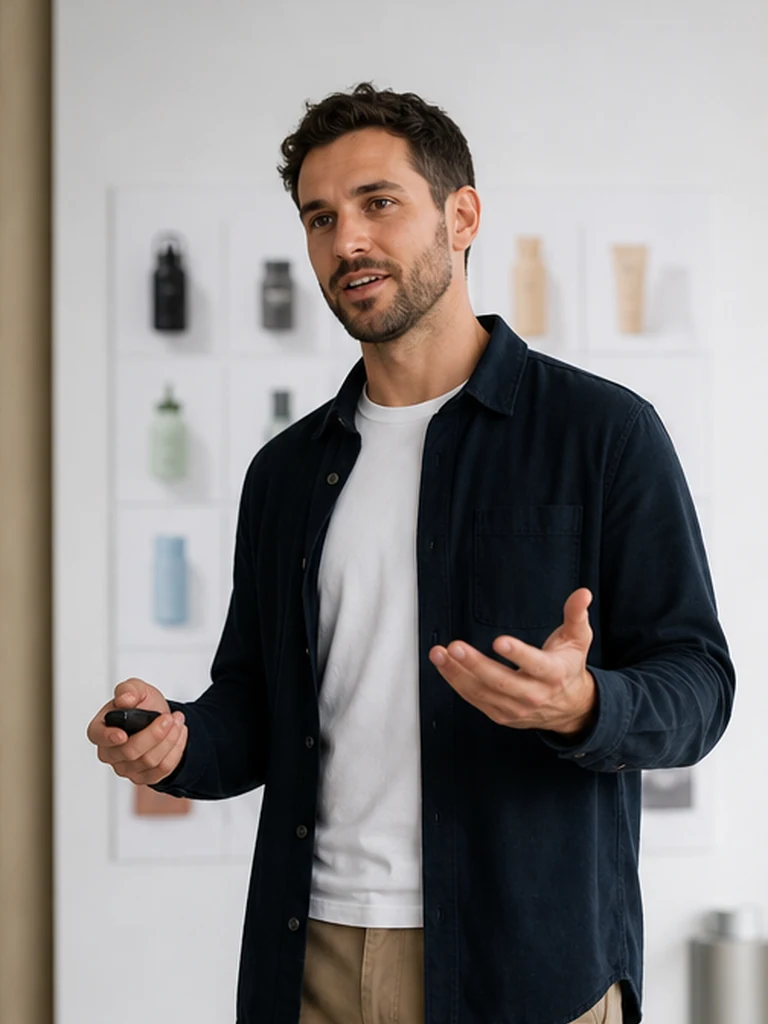
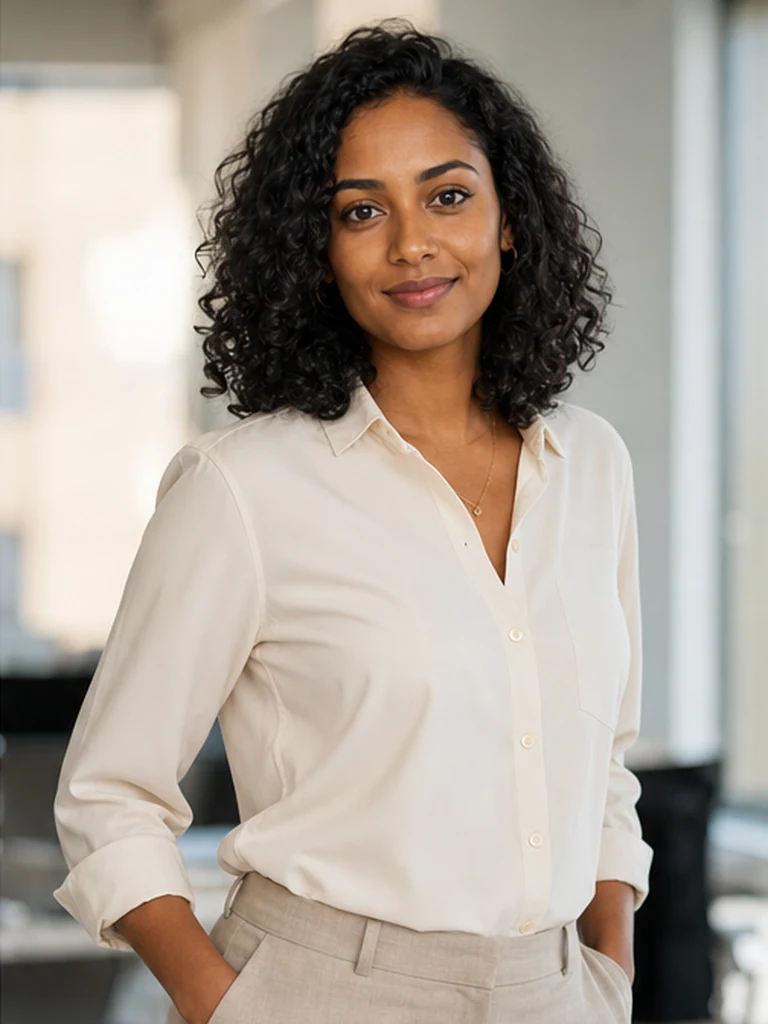
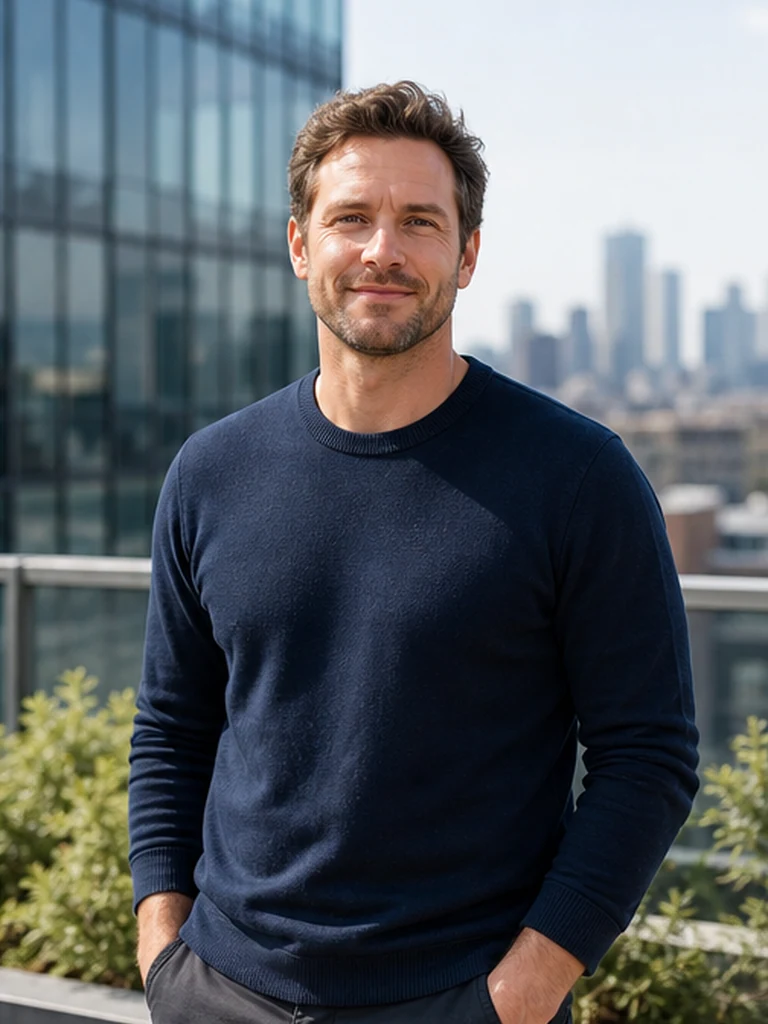
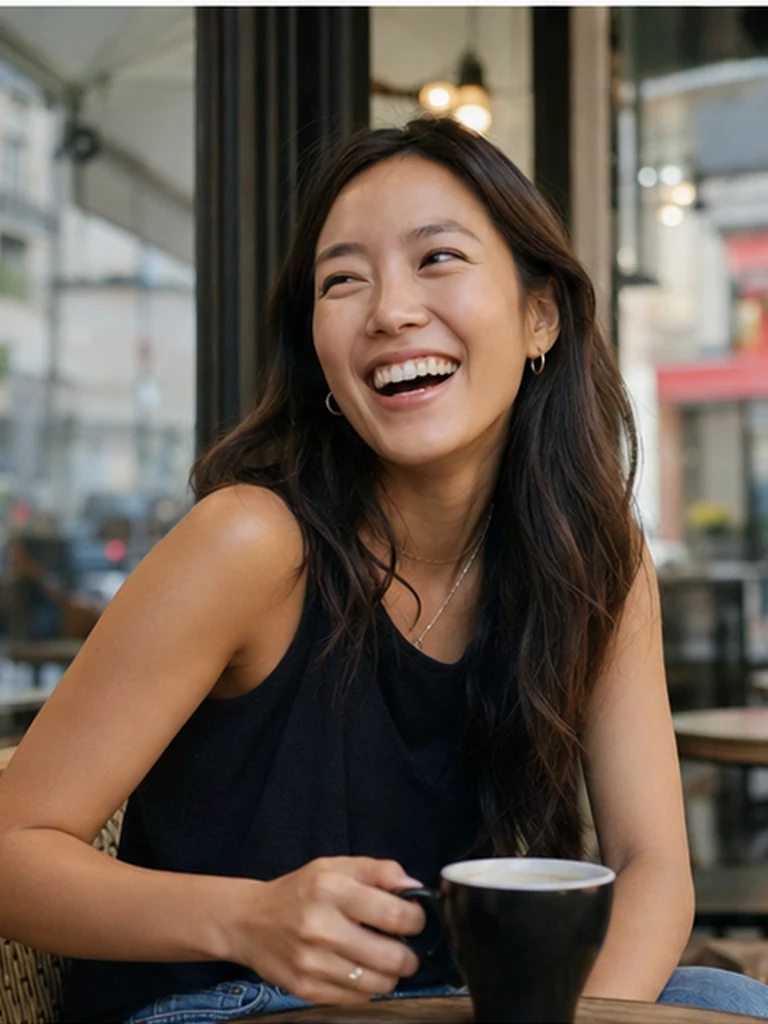
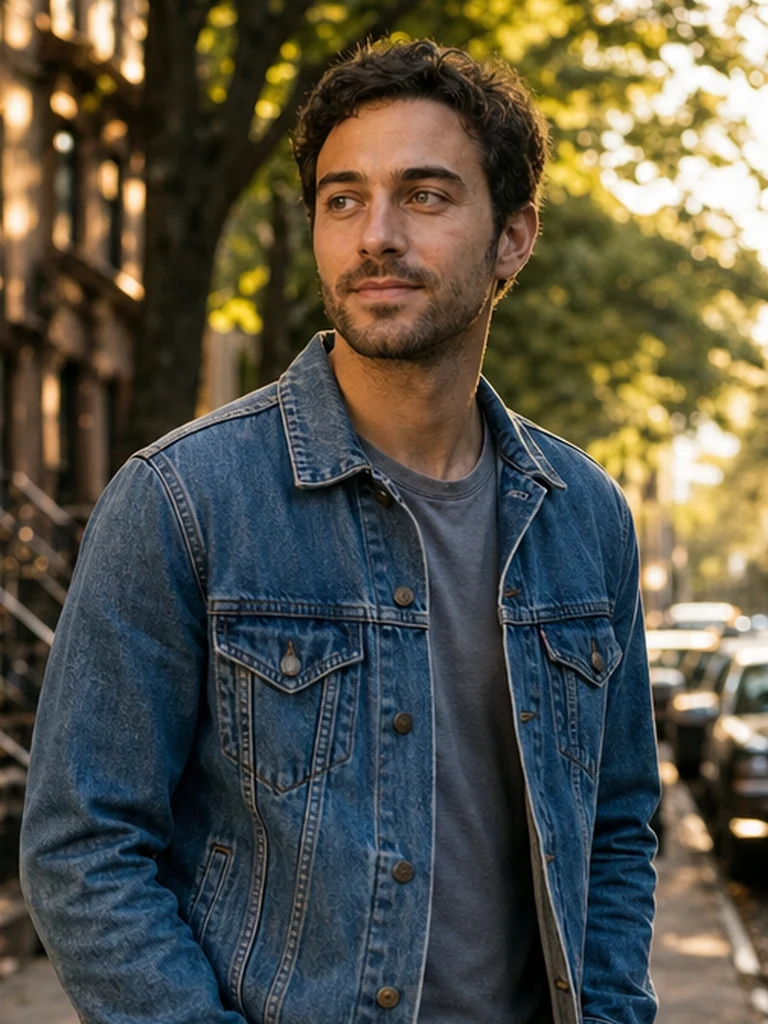
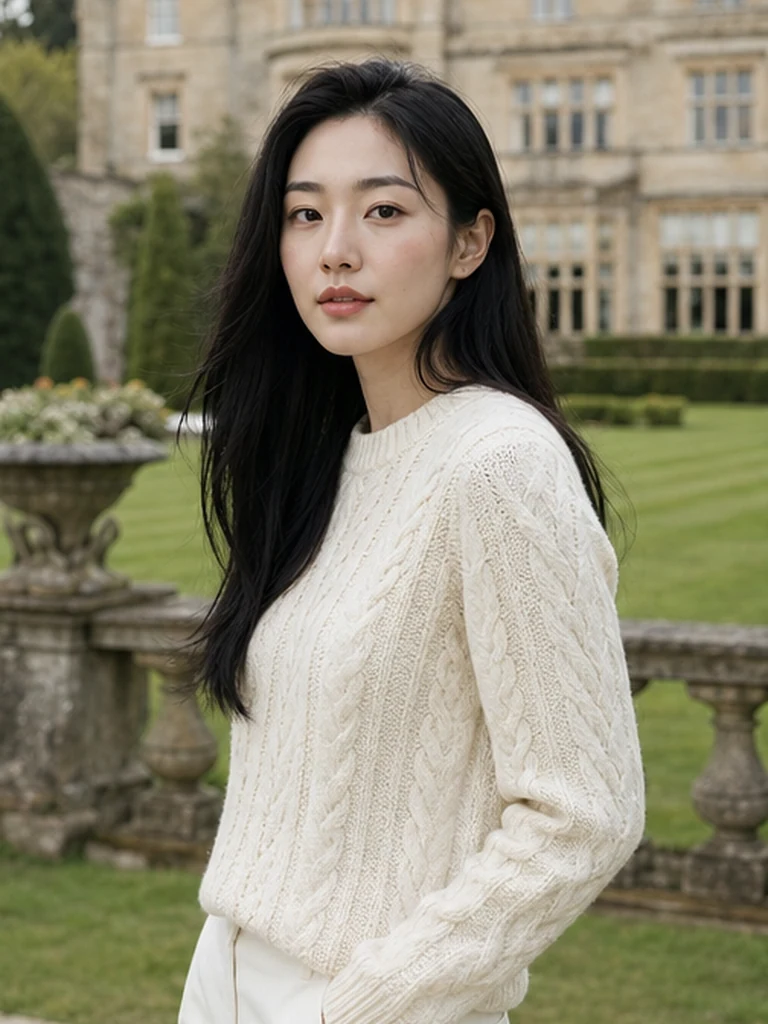
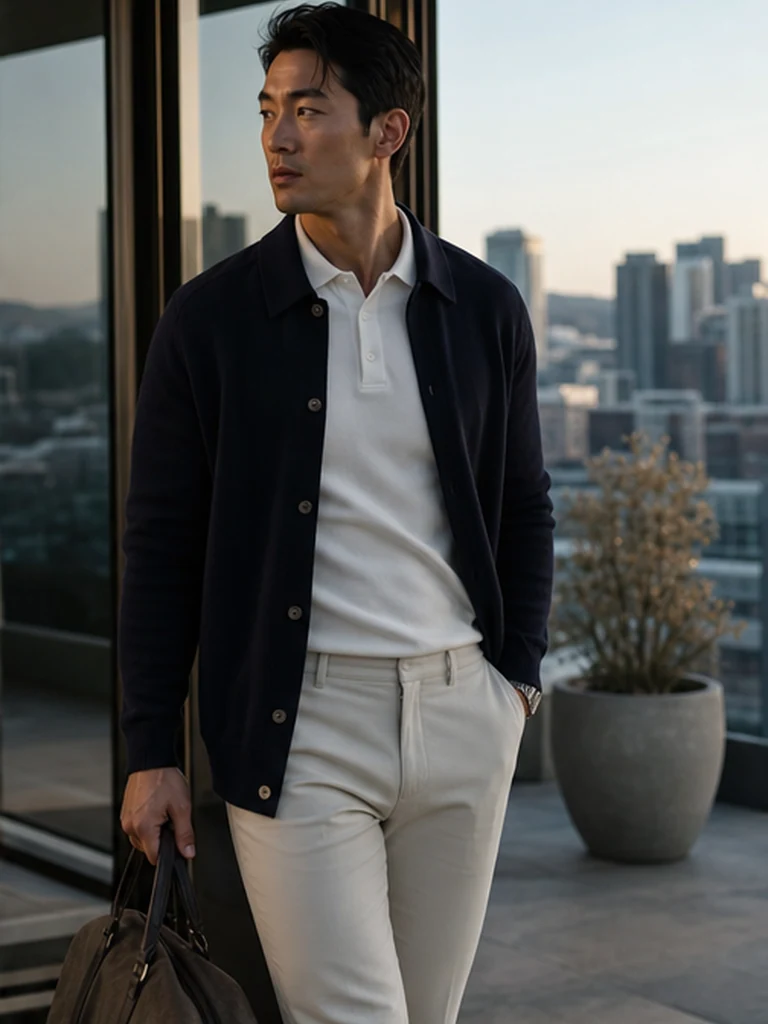
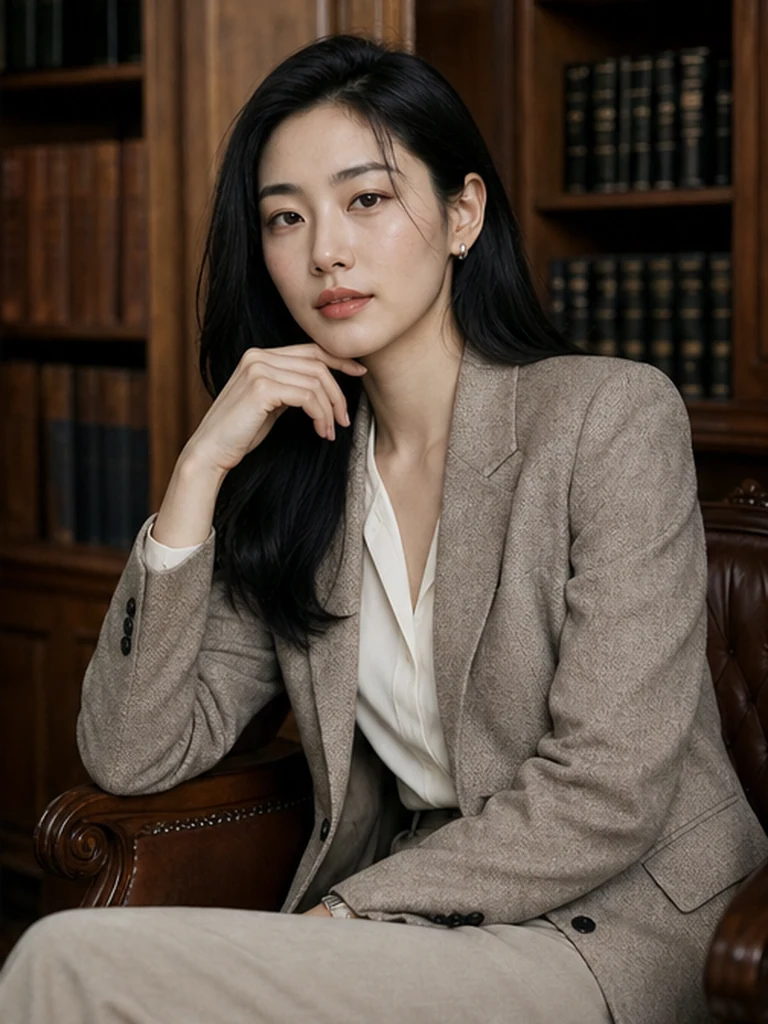
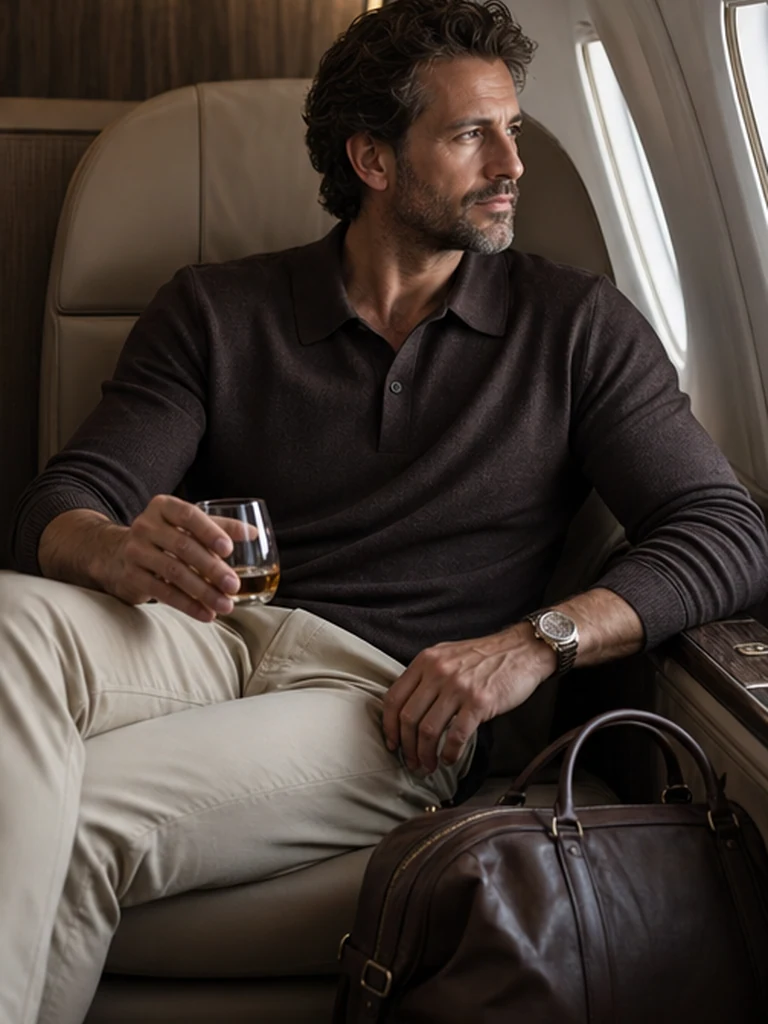
Every pack contains planned scenes, poses, lighting, and styling. The pack keeps the set coherent; your optional appearance note adds a specific detail.
See every pack →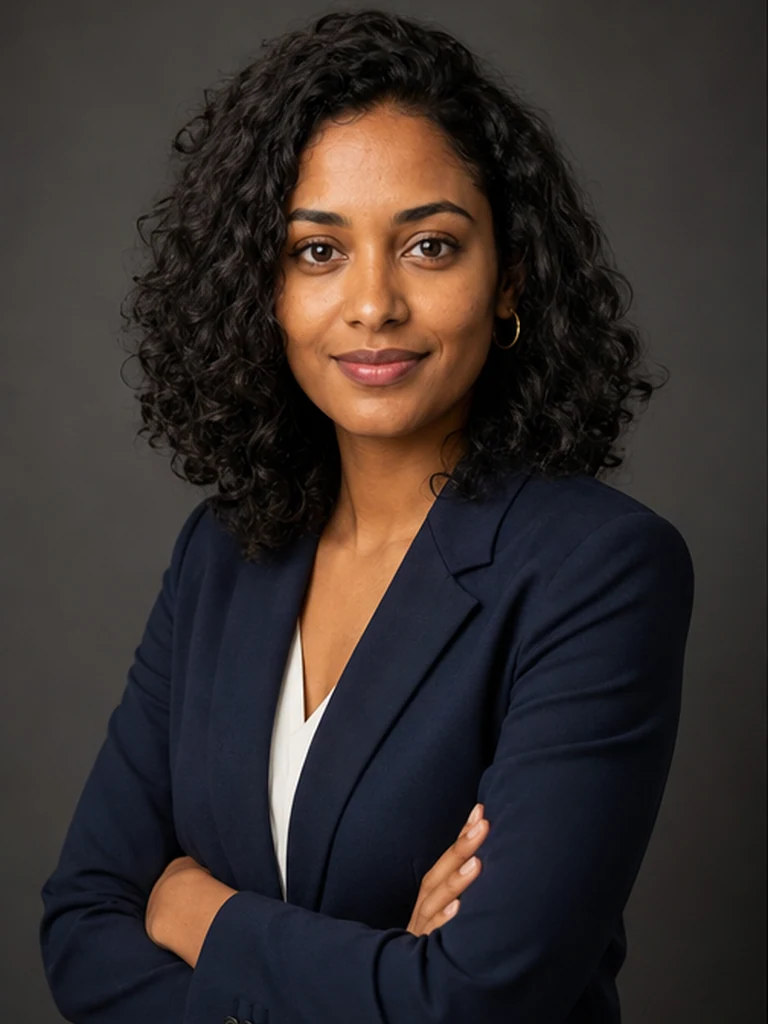


Before choosing either workflow.
Is GenBlink a clone of Photo AI?
No. GenBlink is a focused, one-portrait pack workflow. Photo AI is a ai photographer workspace product with a different scope and creation process.
Which is easier for a first AI photoshoot?
GenBlink reduces decisions by providing the scenes and batch workflow. Photo AI may be the better choice if its specialized strengths match your exact goal.
Does GenBlink train a reusable personal model?
No. GenBlink starts each pack from the single portrait you upload. That keeps setup short, while reusable-model products can be more appropriate for repeated open-ended projects.
How does GenBlink charge?
Credits are one-time purchases. One successful generated photo uses one credit, and a failed generation returns its reserved credit automatically.
Can the two tools be used together?
Yes. You can generate a source-photo library with GenBlink and use another product for layout, editing, animation, or a separate creative workflow, subject to each service’s terms.
One portrait.
A complete photo story.
Read the alternative guide or start with a GenBlink pack.